HybridPower
Nylon møter stål. Sterk, sikker og enkel.
462 kg i betong.
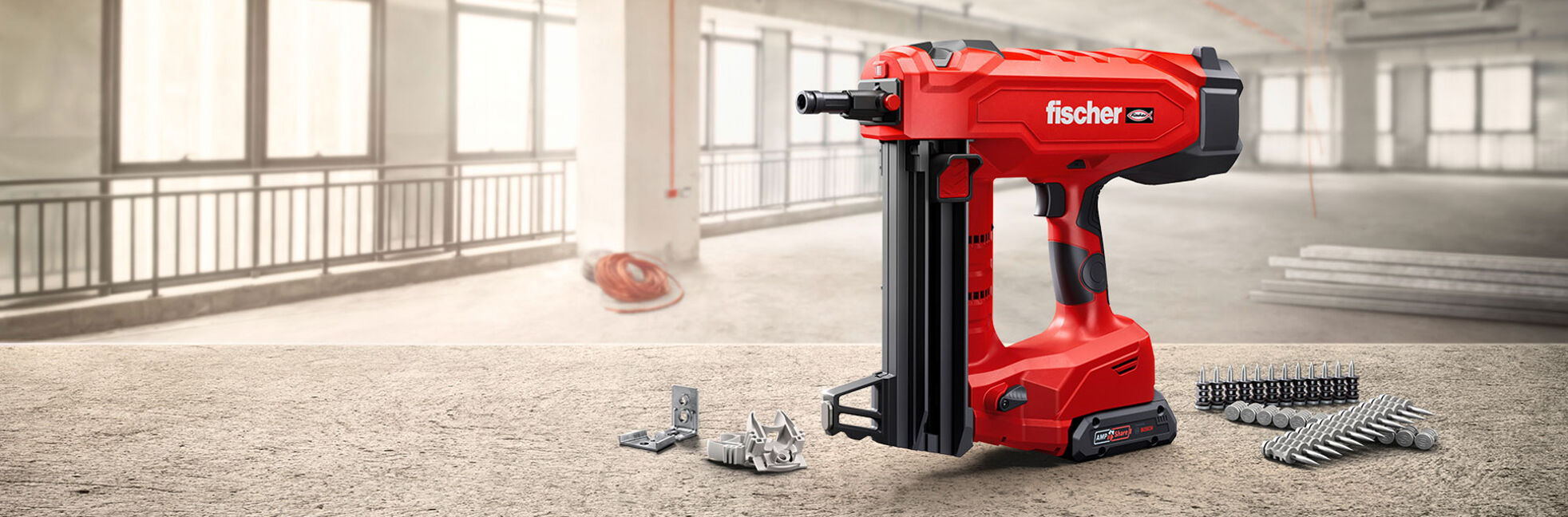
FXC 85
Batteridrevet boltepistol for rask innfesting i betong og stål
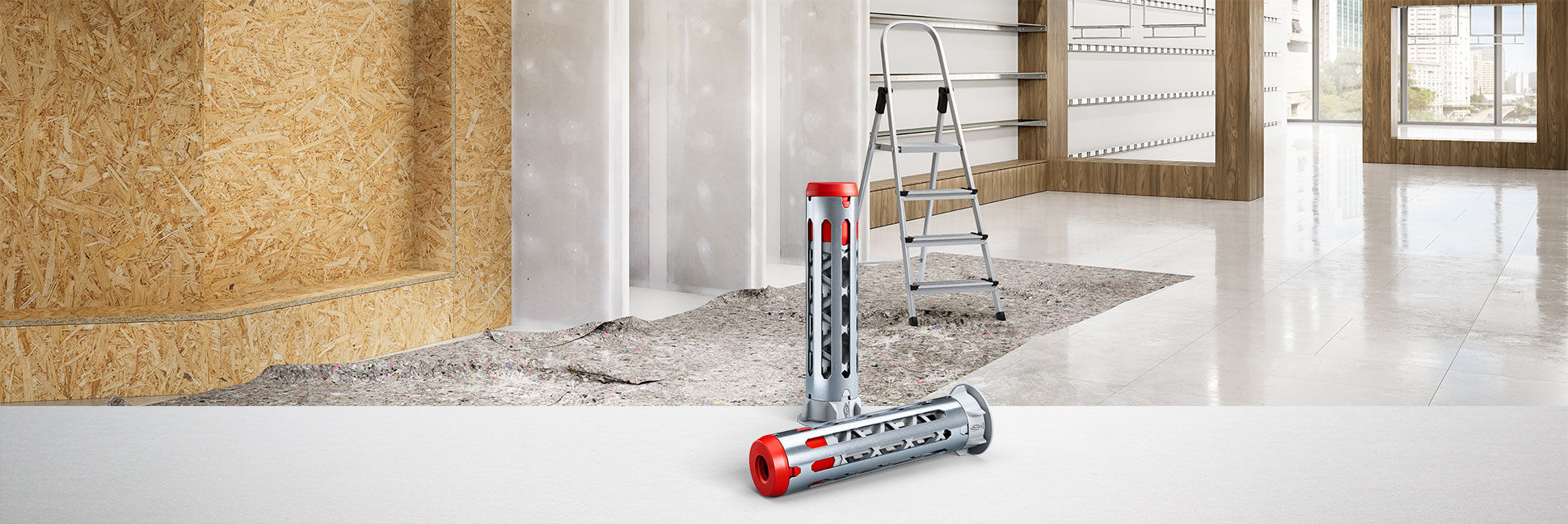
Gipsplugg DuoHM.
Et gipsplateanker, mange platematerialer.
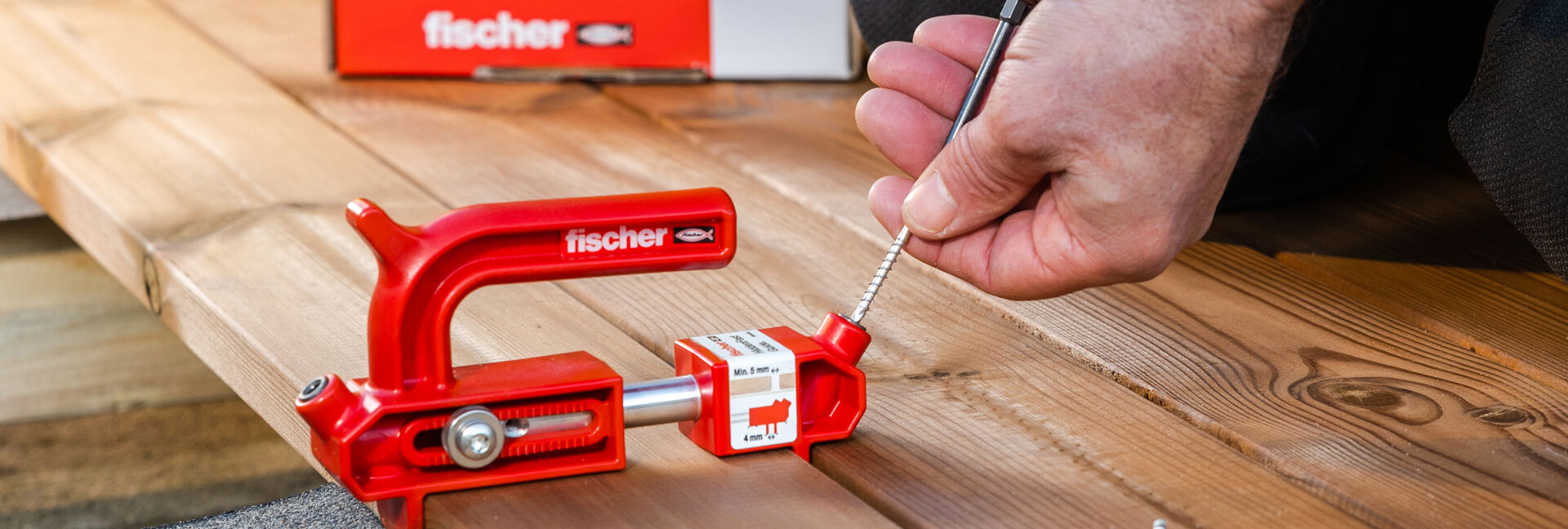
HiddenFast
System for skjult montering av terrassebord.
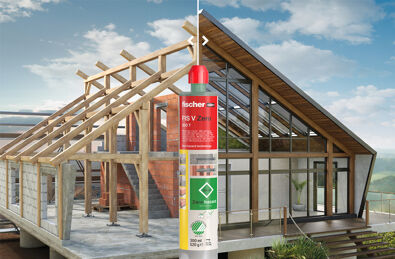
FIS V Zero
Maksimal sikkerhet for mennesker og natur
FIS V Plus
Den kraftige injeksjonsmørtelen for betong og mur.
Brand ambassadør Jürgen Klopp
Where the best is normal.
PowerFull II
Konstruksjonsskruen for sammenføyninger av bærende konstruksjoner.
SX Plus
Når utvikling tar grep
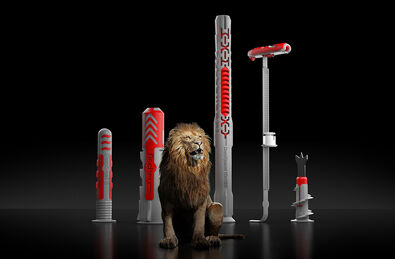
DuoLine
Smarte kombinasjoner for mer kraft og intelligens.
Justerskrue FAFS
Justerbar skrue for effektiv justering av f.eks tak, forskaling, dør og vinduskarm.
DuoXpand
Fasadepluggen med et smart feste
Betongskrue Ultracut FBS II
Høy-ytelses betongskrue for absolutt letteste montering.
Profesjonell App
Den mobile innfestningskonsulenten for håndverkeren